



Sprunki OC V3 – Make Weird Beats in Your Browser
Play Sprunki OC V3 instantly in your browser - No download required!
Share Sprunki OC V3 with Friends!
Explore Other Exciting Games

Sphere Rush
Tower Shot
Tetrix Online
Color Surfer
Farting Flight

Duck Life 4
Astro Tycoon
Armour Clicker
Retro Ping Pong

Spruted Restarted
What Is Sprunki OC V3?
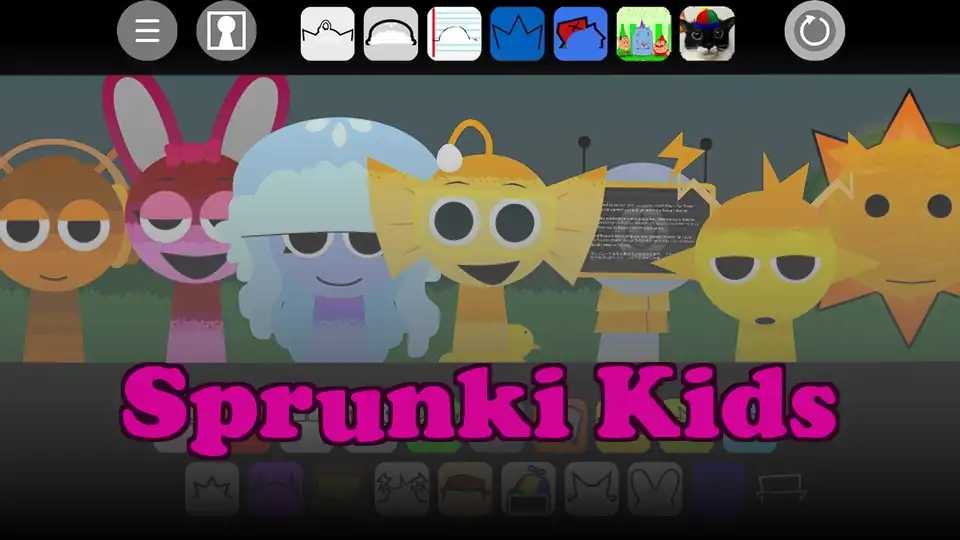
Sprunki OC V3 is a browser-based music toy that lets you stack characters, sounds, and beats into layered loops. Think of it as a playful sandbox where every tweak changes the whole vibe of your track. It's built for anyone who wants to mess with rhythm without needing a DAW or music degree.
How to Play Sprunki OC V3
Pick Your Sound Cast
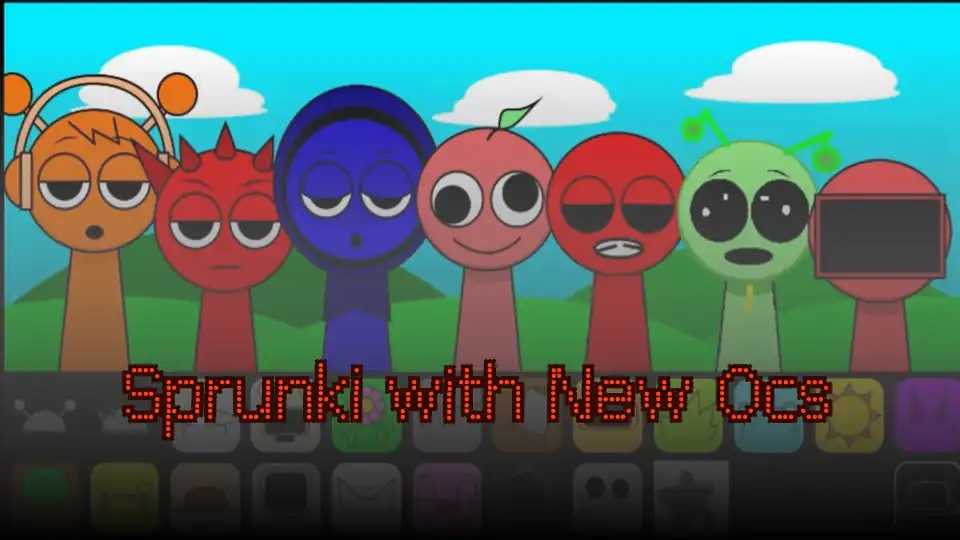
Start by browsing the roster of character icons, each loaded with their own vocal or beat loop. Click one to drop it into your mix.
Layer Loops Like a Stack
Add multiple characters on top of each other to build up rhythm, melody, and texture. More layers means a thicker, messier track.
Swap and Remove Anytime
Click any active character to mute or remove them from the mix. Try rapid swaps to hear how the groove shifts.
Tweak the Tempo and Vibe
Use the available speed controls to slow things down or speed the whole thing up. The rhythm reshuffles as you change pace.
Save Your Weirdo Track
Once you've cooked up something decent, save or restart your mix to experiment with new combinations. There's no penalty for breaking stuff.
Why You'll Keep Coming Back
Instant Music Gratification
You don't need skill or setup — just clicks and ears. Five minutes in, you'll have something that genuinely slaps.
Endless Combo Hunting
Every character combination sounds different. There's always one more weird loop to discover and stack.
Zero Friction
No download, no login, no loading screens that test your patience. Open and play in seconds.
Visual Audio Toy
The animations react to your mix, making it feel like a living music box. Watching it is half the entertainment.
Surprisingly Creative
Even without trying, you'll stumble into weird little compositions. It's a creativity gym disguised as a casual game.
Jump Straight In
Sprunki OC V3 runs entirely in your browser tab, so there's nothing to install or update. Open the page, click your first character, and you're making beats in seconds. Perfect for quick sessions between homework or when you're bored and want to make something weird.
Tips and Tricks
Start With a Solid Beat
Drop a drum or rhythm character first to anchor your mix. Everything else layers cleaner once the pulse is locked in.
Layer Melodies on Top
Once your rhythm is steady, stack melodic or vocal characters. Two or three well-chosen loops beat five random ones every time.
Use Mute to Remix Live
Tap characters on and off during playback to create drops, breakdowns, and transitions. It turns a static loop into a living track.
Speed Changes Everything
Sliding the tempo shifts the entire mood of your mix. Slow loops feel eerie, fast loops feel frantic — same characters, totally different song.
What Makes It Fun
Browser-Based Sound Lab
Everything runs in your browser tab. No download, no plugin, no nonsense — just open the page and start making noise.
Loads of Character Loops
Each OC brings a distinct vocal, beat, or melody snippet. Mixing them is where the weird magic happens.
Speed and Tempo Controls
Slow it way down for moody vibes or crank it up for chaotic bangers. The rhythm system keeps everything locked in.
Instant Visual Feedback
Characters animate and react as they play, so you can see your track build in real time. It feels alive.
Endless Remix Potential
With dozens of loops and characters, every session can sound completely different. You'll keep coming back to try one more combo.
Sprunki OC V3 FAQs
Is Sprunki OC V3 free to play?
Yep, it's totally free. Just open the page and start clicking — no account or payment wall in the way.
Do I need to download anything?
Nope. The whole thing runs in your browser, so there's nothing to install or update.
Can I play Sprunki OC V3 on school Chromebook?
Usually yes, since it's a browser game. If your network blocks it, look for the unblocked version hosted elsewhere.
What's different in V3 compared to older versions?
V3 adds more character slots, smoother loop layering, and cleaner tempo controls. The core vibe is the same but the toolkit got an upgrade.
Do I need music experience to enjoy it?
Not at all. If you can click and listen, you can make something. The game is built for casual experimentation.
Can I save my tracks?
You can save your current mix setup within the session to revisit and remix. For long-term exports, screen recording works in a pinch.
How many characters can I layer at once?
You can stack quite a few before things get crowded. The game handles dense mixes without choking your browser.
Will it work on mobile?
It runs on mobile browsers, though a bigger screen makes layering easier. Touch controls are responsive enough for quick sessions.
Is there a way to share my mix with friends?
Share the game link and tell them which characters to grab. There's no built-in export, but recreating a banger is half the fun.
Why does my track sound chaotic?
Because you stacked too many loops with clashing tempos. Mute a few and listen for the groove — then build back up slowly.
Can I use this for actual music production?
It's more of a creative toy than a pro tool, but the loops can spark ideas you bring into a real DAW later.
Does it have a tutorial?
There's no formal walkthrough, but the controls are intuitive. Click around for a minute and you'll figure out the loop system fast.
Are there hidden characters or loops?
Some combos unlock secret sounds or visual changes. Experiment with odd pairings to find the weird stuff.
Will my mix reset if I refresh?
Yep, refreshing wipes your current setup. Save anything you want to keep before reloading the page.